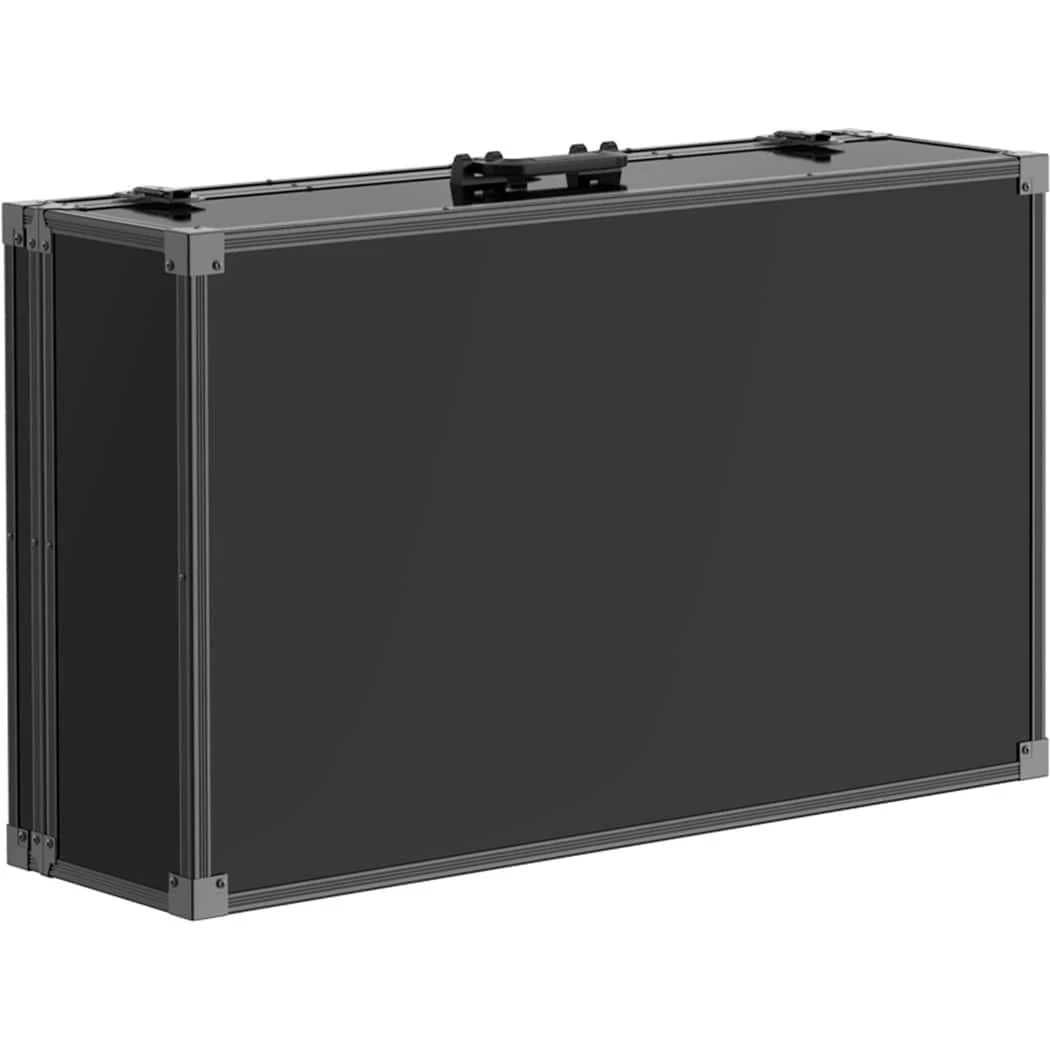
DuraPro – 32″ Class DuraGo Rollable Smart Touch Screen LCD Full HD TV Android GMS Certified (2025)
Original price was: £709.99.£594.99Current price is: £594.99.
100 in stock
Product information
Description
DuraPro DG3200RTV: 32-inch portable smart touchscreen
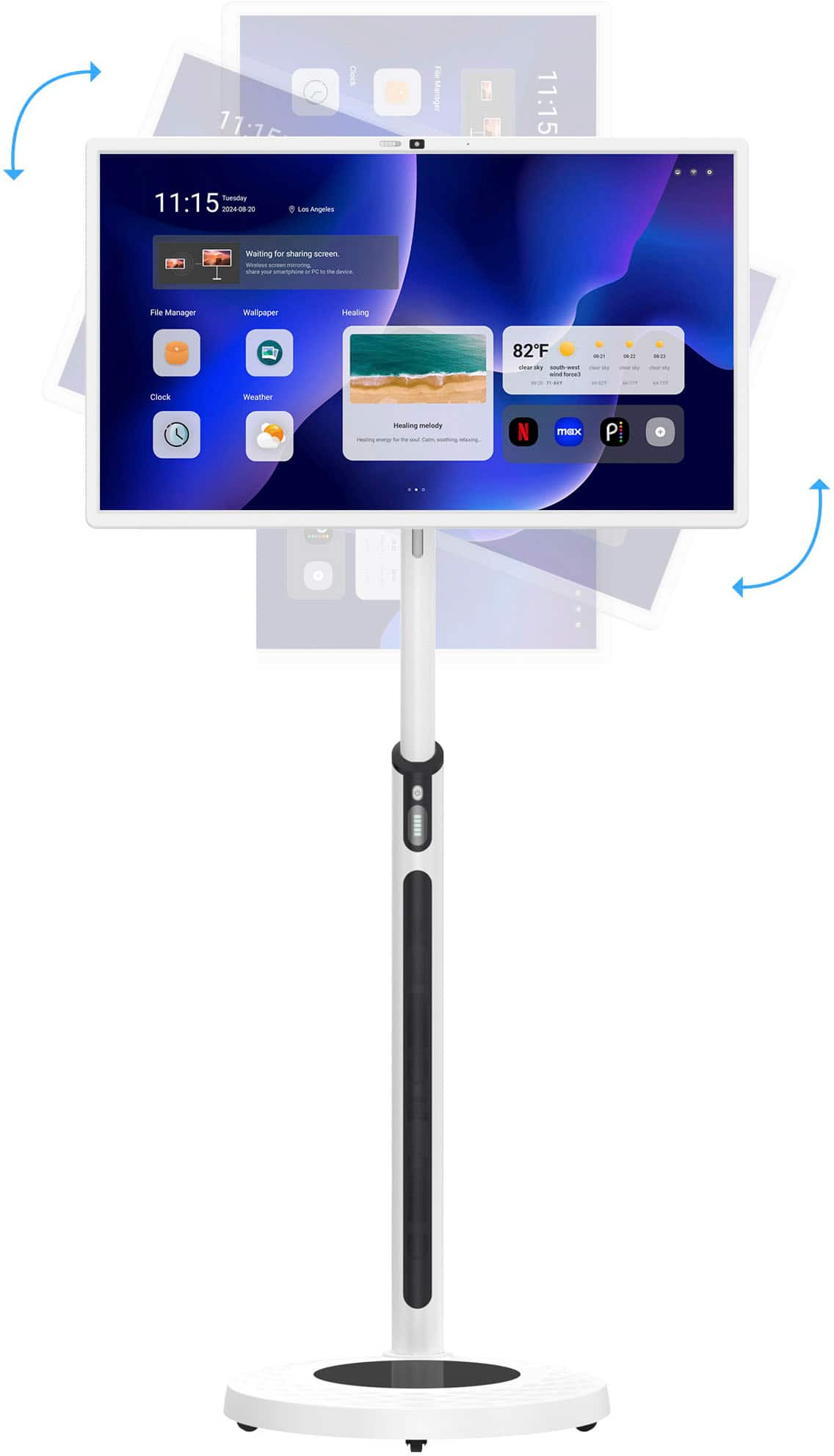
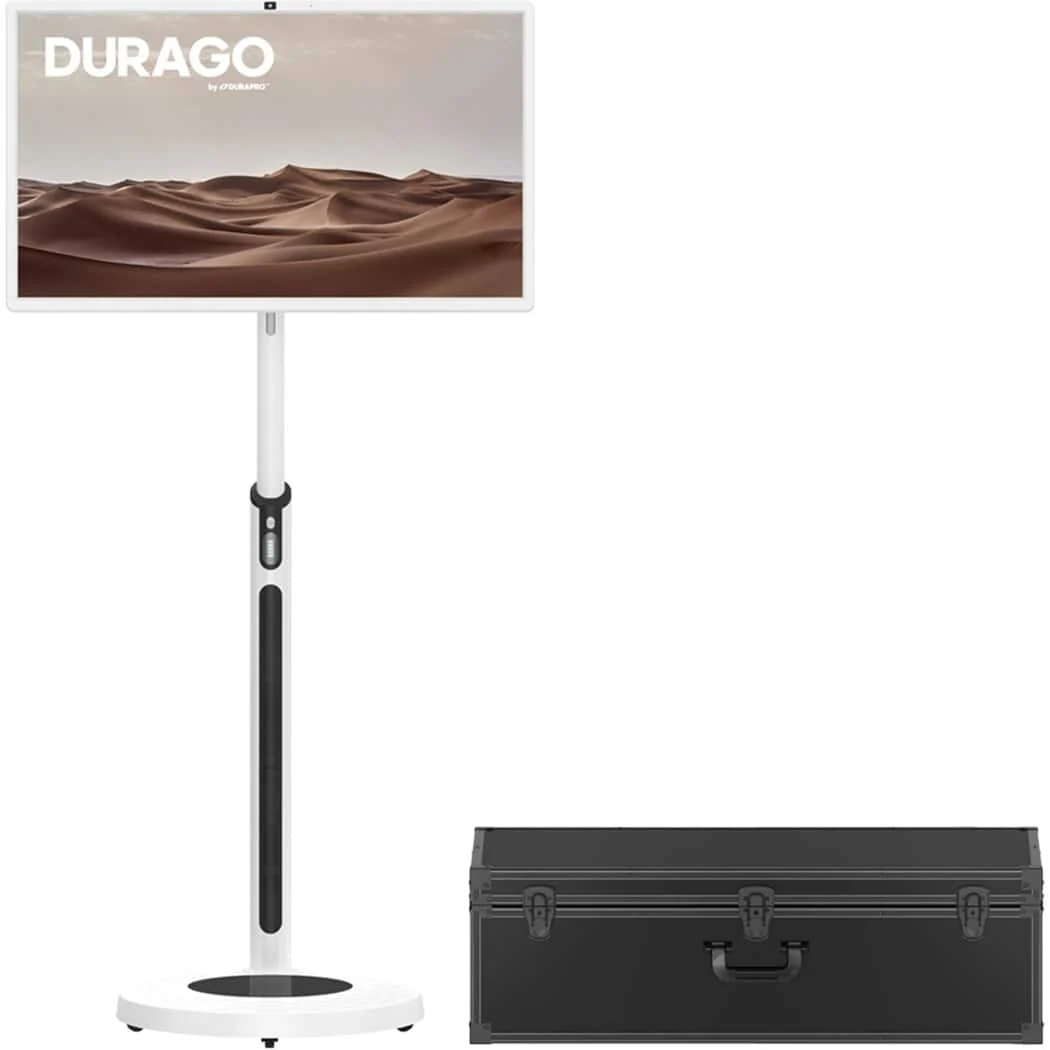
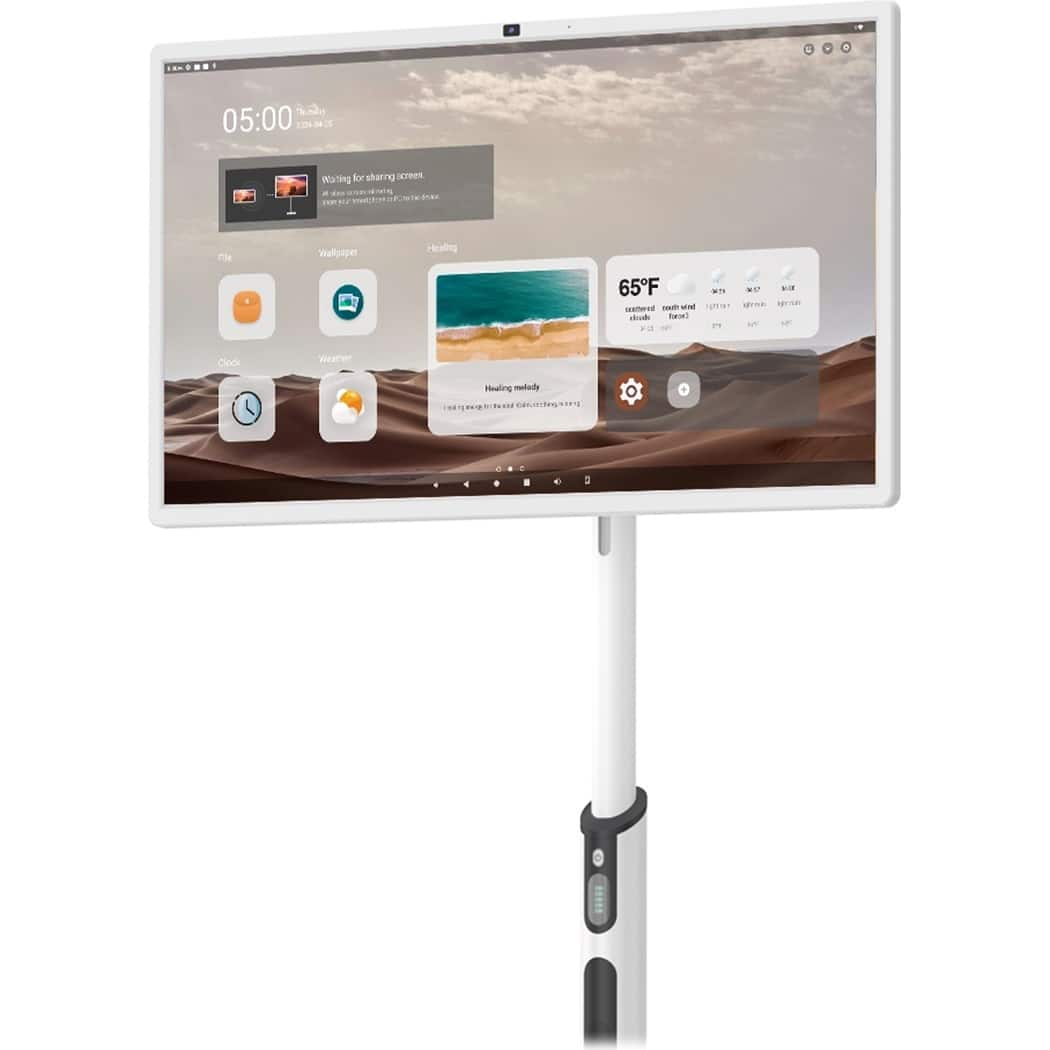
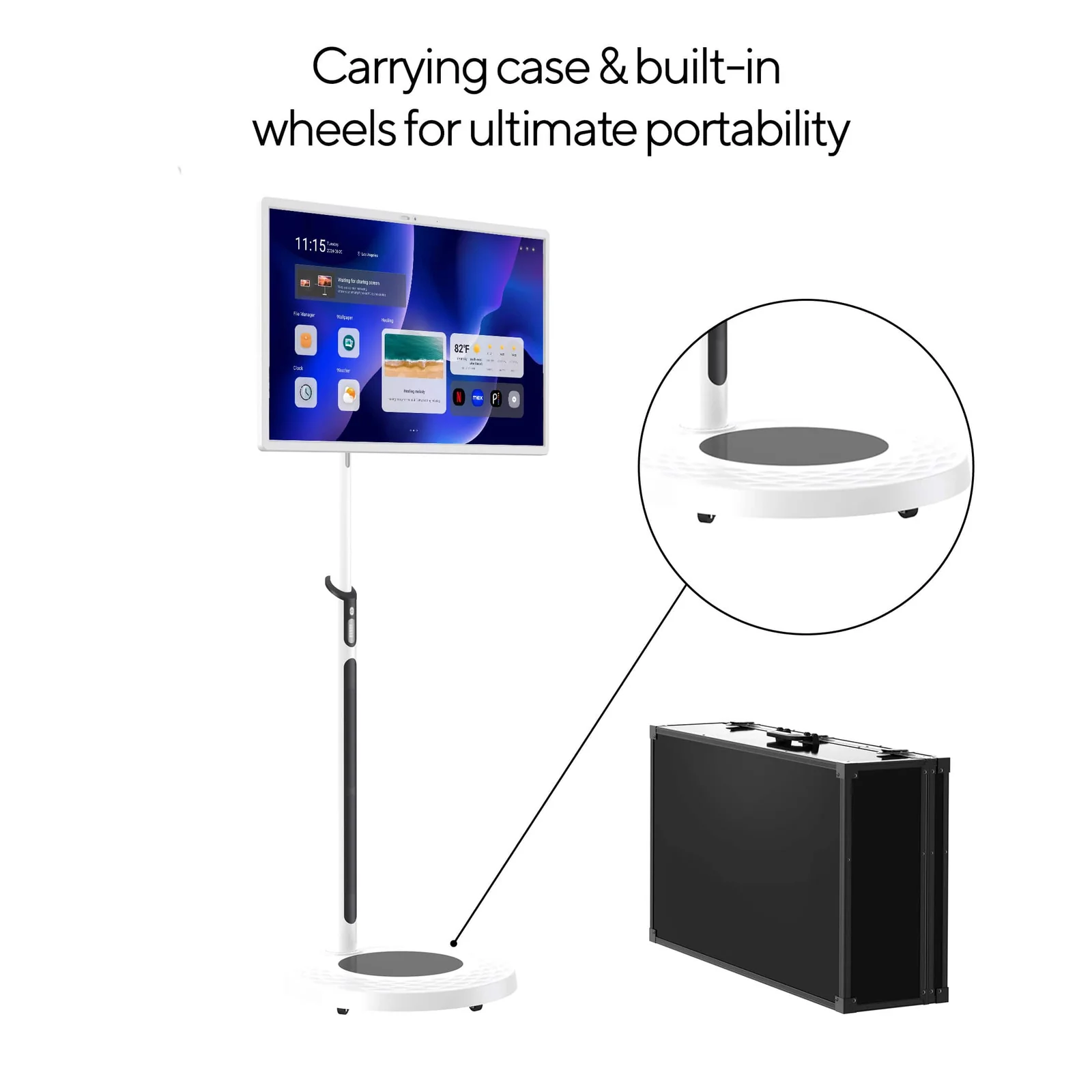
The DuraPro DG3200RTV combines a 32-inch Full HD screen with a movable stand and Android 13. The DuraGo design includes an IPS LCD touchscreen, built-in speakers and a rollable base. This format brings a larger screen closer to the place where you want to watch or interact, rather than fixing every viewing session around one wall. Choose a stable, clear position for each use and keep the screen within comfortable reach when using touch controls.
Screen detail and touch interaction
The 1920 x 1080 panel supports 10-point capacitive touch and has a native refresh rate of 60Hz. Touch interaction provides a direct way to use supported on-screen controls. The response and layout also depend on the app, since programs designed for a remote, phone or tablet can behave differently on a large display. Use content suited to the screen resolution and avoid assuming that every streaming app delivers its highest video quality on every device. Source quality and network performance both influence the image you see.
Moving and positioning the display
The stand supports rotation, tilt adjustment and height adjustment of up to seven inches. Position the display so its base has secure support and there is enough room to move around it. Disconnect or manage attached cables before repositioning the unit so they cannot pull on the screen or stand. A portable design changes where you can place the screen, but the product still needs a suitable surface and environment. Follow the manufacturer’s lifting and assembly instructions whenever changing the physical setup.
Power and battery use
The built-in battery supports use away from the power lead; actual runtime depends on the setup and content. Use the supplied power equipment and follow the charging instructions for this model. Screen brightness, apps, wireless use and sound level can affect energy use during a viewing session. Plan where the power lead will run when the unit is plugged in, keeping walkways and the moving base clear. A convenient charging position helps make the display ready for the next session without leaving a cable stretched across the room.
Smart platform and supported apps
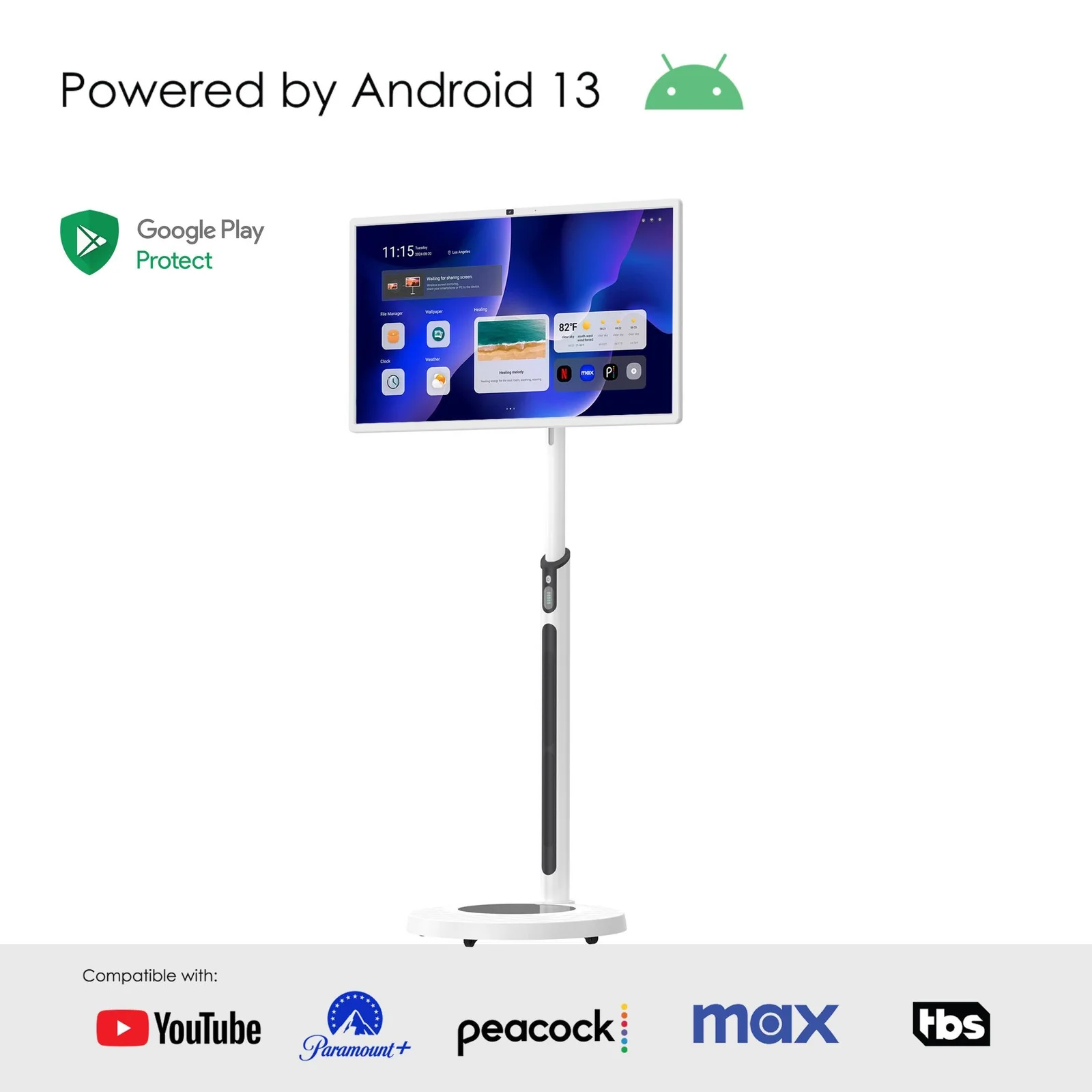
Android 13 supplies the app interface, and the model is listed as Android GMS certified. The interface provides access to supported apps, with availability determined by the device, region and service provider. Internet access and accounts may be required, and some services have paid subscriptions. Check the specific app you intend to use, including its touch controls and video options. An Android-based screen can support several kinds of content, but a service’s compatibility should be confirmed rather than inferred from another Android device.
Connections and wireless sharing
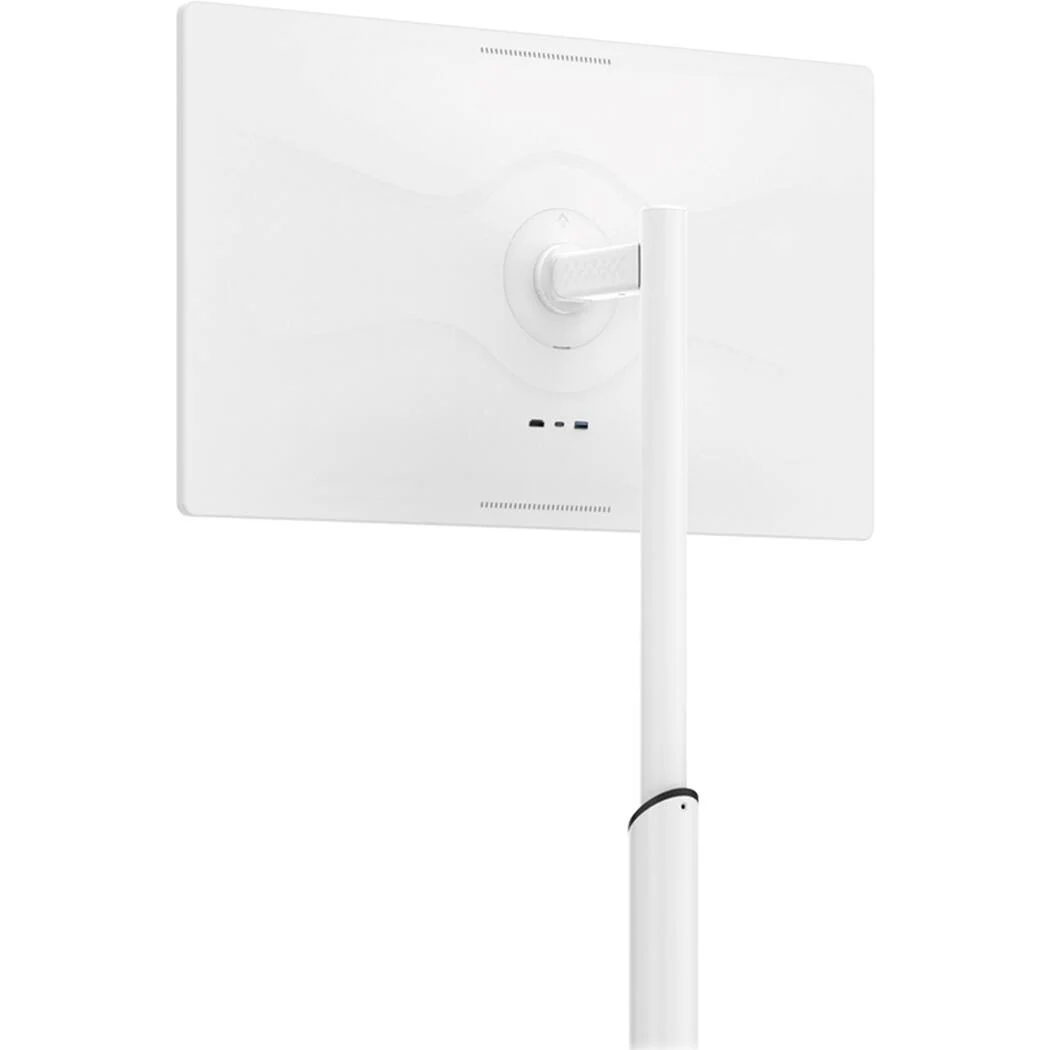
Connections include one HDMI input, one USB-C port and one USB 3.0 port. USB-C charging is not supported. Wi-Fi 5 and Bluetooth 5.0 are built in. Check the source device’s output and the display’s supported input before connecting them. Screen-sharing functions depend on the source, app and network, so test the combination you intend to use. Place connected equipment where it does not interfere with movement of the stand. Leave a small amount of cable slack for adjustment without allowing loose leads to trail through a walkway or under the base.
Sound, controls and nearby viewing
Two 5W speakers provide stereo sound, with a supplied remote for supported controls. Touch controls can be useful when the display is close, while the available remote functions help when you are seated farther away. Adjust voices and music at the position where you will listen, because moving the screen also changes the distance and nearby surfaces. Choose a volume that suits a shared room.
Size and setup planning
Use the assembled dimensions in the installation guide when planning clearance for the rolling base and adjusted screen. The 32-inch label describes the screen diagonal, not the width of the stand or the space needed to move it. Check the model-specific guide for the assembled footprint and adjustment limits before choosing a storage or viewing location. Allow room around the base and behind the screen for connections. Use the supplied assembly instructions and approved hardware, and check that all fitted parts are secure before moving the display.
Everyday placement and care
The manual calls for a dry, ventilated location away from rain, steam and cooking fumes; portability is not an outdoor weather rating. Assess reflections from the position you will use most, then adjust the screen within its supported range. Moving closer can make touch controls and small text easier to use, while a more distant position may suit shared viewing. Keep the screen and stand clean as directed in the manual.
Specifications
Additional information
| Weight | 23.501 kg |
|---|---|
| Color | White |
Reviews (0)
Related products
-
Sale!

Samsung – 65” Class QN80F Series Neo QLED Mini LED 4K UHD SamsungVision AI Smart Tizen TV (2025)
Home Theater Original price was: £949.99.£859.99Current price is: £859.99. Add to cart -
Sale!

Roku – 55″ Class 4K HDR LED Smart RokuTV
Home Theater Original price was: £254.99.£134.99Current price is: £134.99. Add to cart -
Sale!
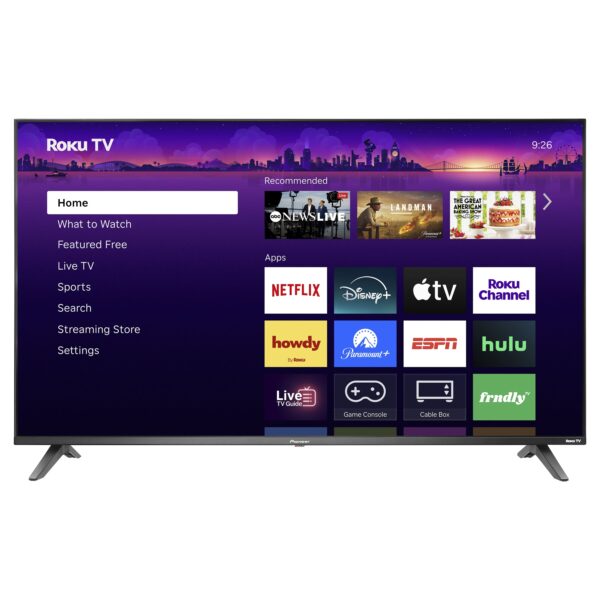
Pioneer – 50″ Class LED 4K UHD Smart Roku TV
Home Theater Original price was: £234.99.£149.99Current price is: £149.99. Add to cart -
Sale!

Samsung – 85” Class Q6F Series QLED 4K UHD SamsungVision AI Smart Tizen TV (2025)
Home Theater Original price was: £789.99.£594.99Current price is: £594.99. Add to cart
Reviews
There are no reviews yet.