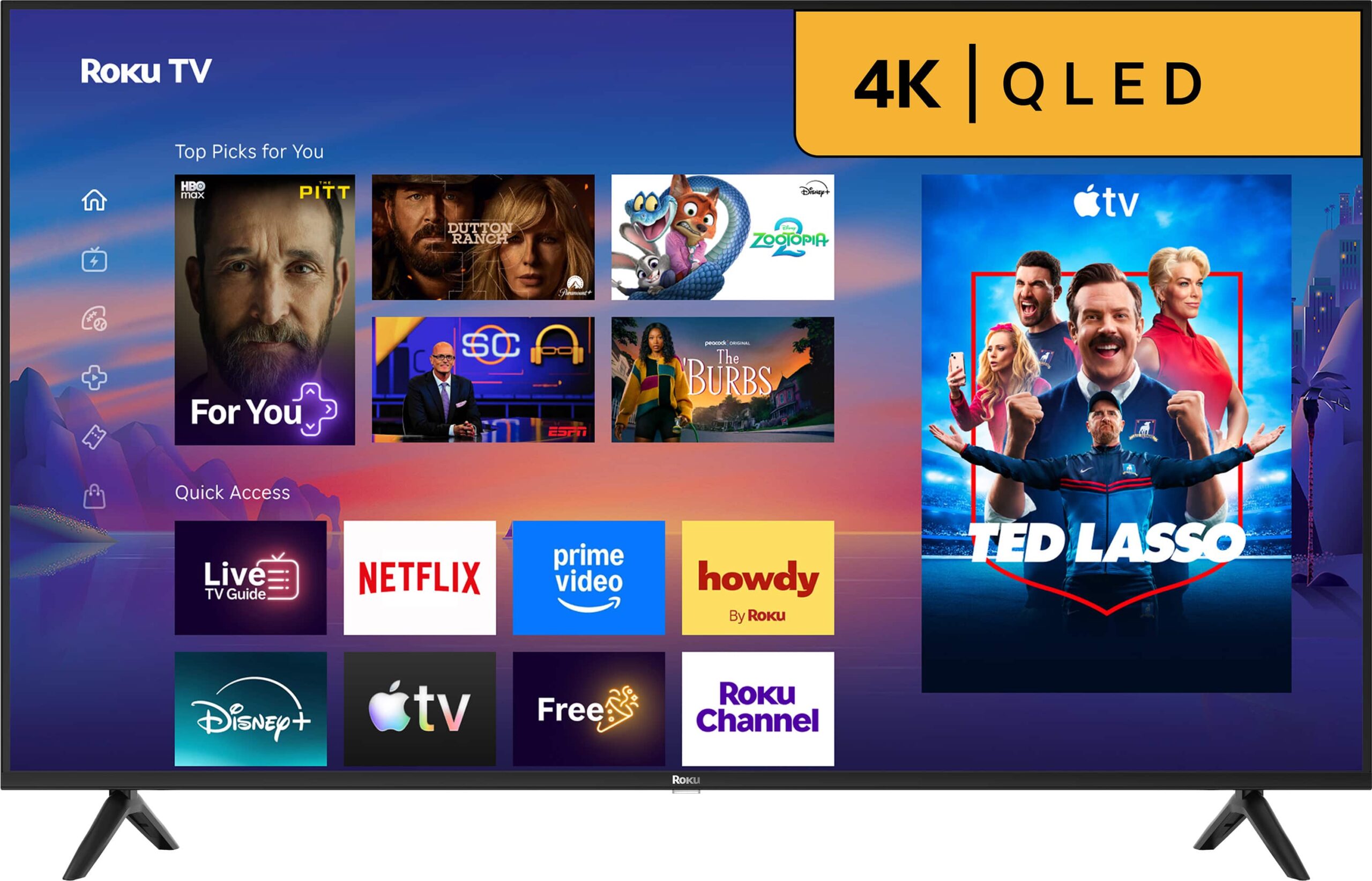

Roku – 55″ Class Select Series 4K QLED Smart RokuTV (2026)
Original price was: £269.99.£204.99Current price is: £204.99.
100 in stock
Product information
Description
Roku 55R5D5: 55-inch QLED smart TV
The Roku 55R5D5 combines a 55-inch class 4K screen with Roku OS. The built-in platform brings compatible apps and connected sources onto the screen. The cabinet finish is Black. Its picture system, smart interface and source controls provide ways to watch films, follow live programs and use connected entertainment devices.
Screen technology and picture detail
Quantum dot color is added to the LED-backlit LCD display. This Select Series model combines that QLED picture system with 4K resolution and the Roku home screen. The screen resolution is 3840 x 2160 pixels. A good source at the panel’s resolution can show fine textures, small lettering and detail in distant objects. Lower-resolution or heavily compressed video remains limited by the original recording. Picture processing can refine its presentation, but it cannot restore every detail that was absent from the source. Choose a high-quality version of a film or show when it is available.
HDR and picture settings
Choose a picture mode suited to the incoming program and your preferred presentation. Picture settings let you balance the presentation for the program and room. Compare a familiar scene when choosing brightness, color and motion options, rather than judging only a menu screen. A film viewed at night and a live program watched in daylight may suit different settings. Any enhanced video format requires compatible content and a supported signal path; the streaming app, player and input settings all affect what reaches the screen.
Motion and connected games
Use the available motion controls to suit the incoming video. For a connected game source, review the TV and console settings together before play. A source’s frame rate and a panel’s refresh rate are different measurements. The console or computer, cable and selected input mode must support the signal being used. Motion-processing settings can also change the look of films and sports. Try the available controls with the material you watch most often, and keep the settings that give you a comfortable balance of detail, motion and response.
Roku OS and supported viewing
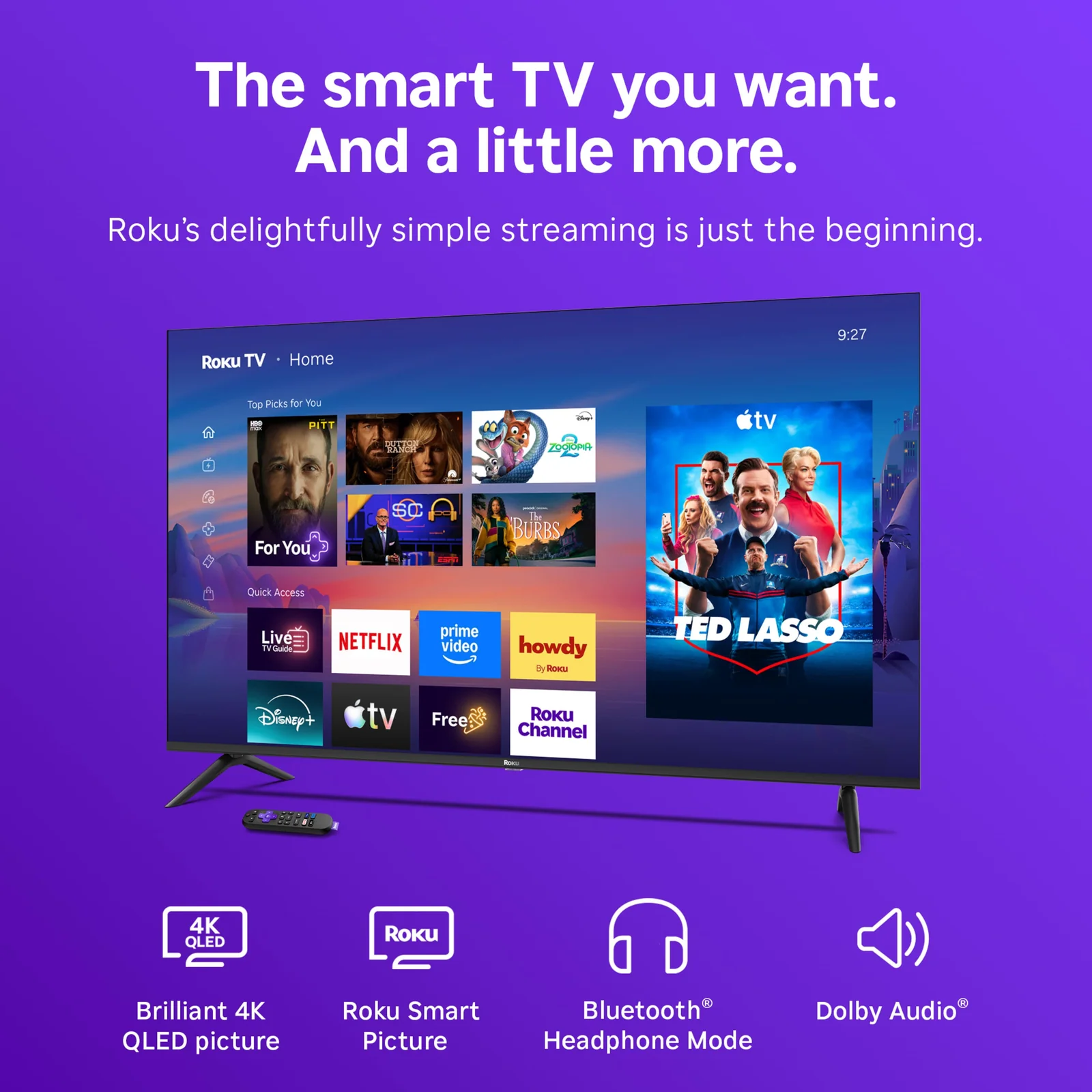
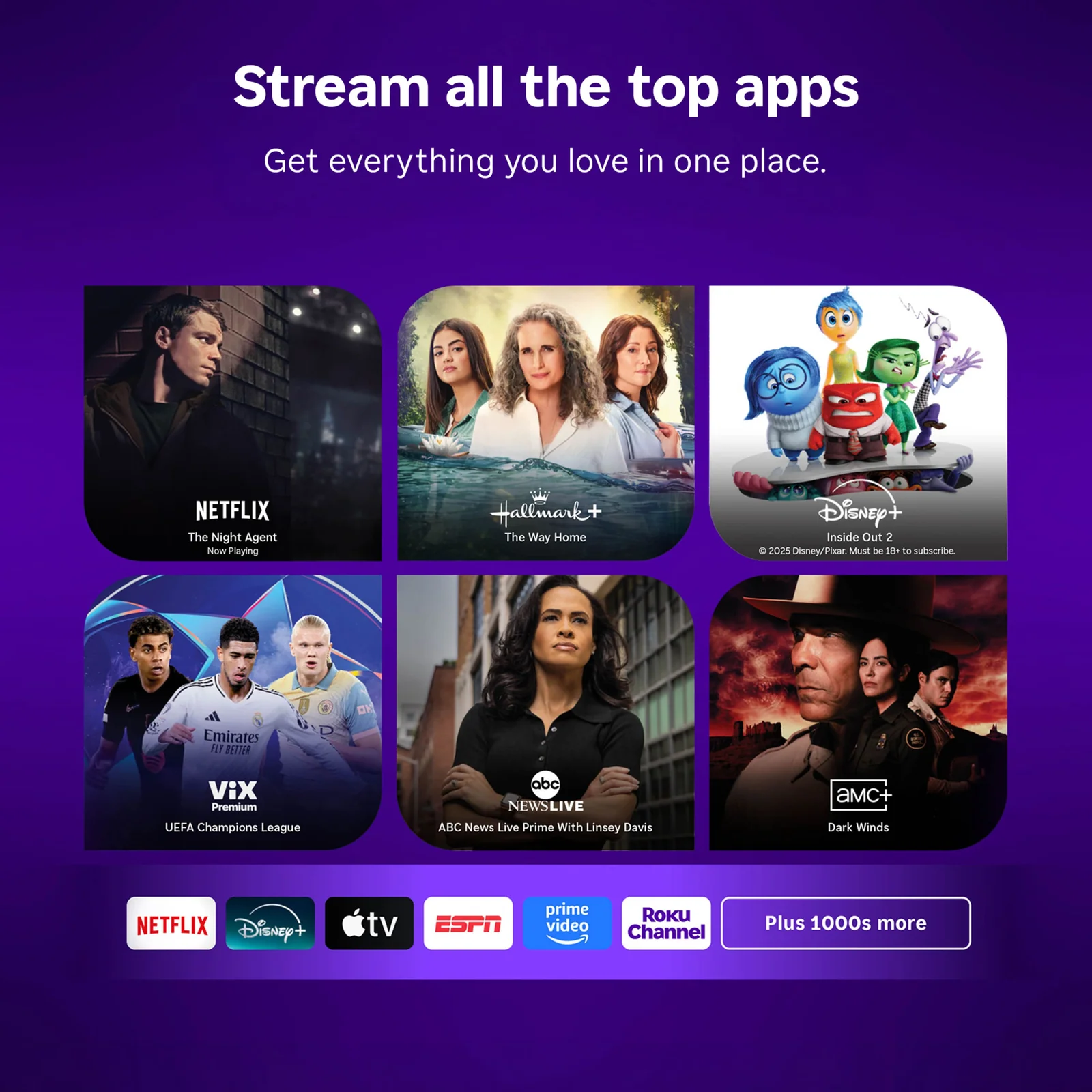
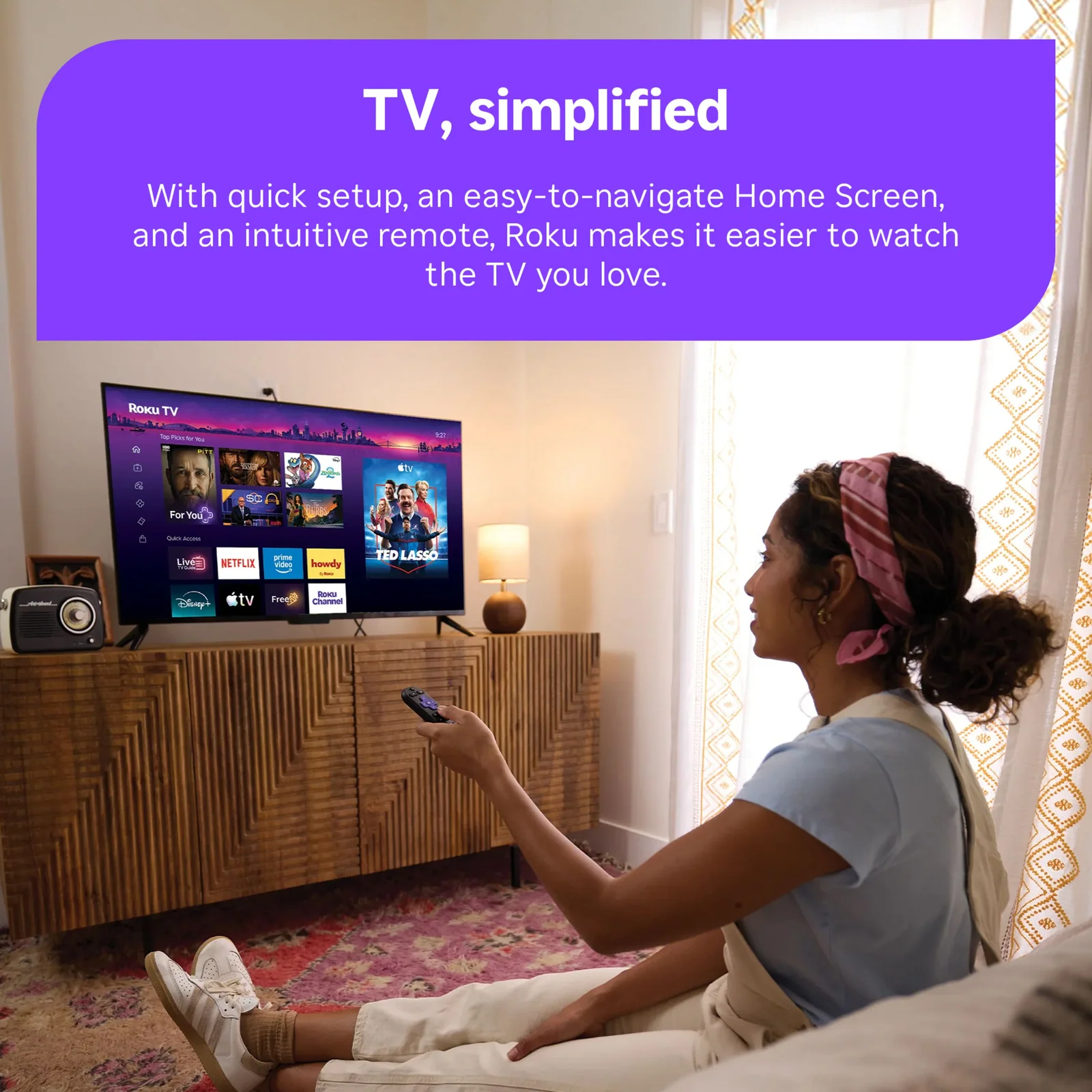
Roku OS brings compatible streaming apps and free live TV options together. The built-in smart interface provides an alternative to a separate streaming player. App selection and programs depend on region and service availability, and can change over time. Online features require internet access; accounts and paid subscriptions may be needed for individual services. Streaming quality also depends on the source stream and network connection.
Connections and device planning
HDMI provides a route for compatible external video sources. The smart platform uses your home network for online services. List the sources you want to keep attached before arranging the screen. A sound system may use a video connection as well as the players or consoles, so include it in the plan. Leave room for plugs and cable bends instead of pushing the cabinet tightly against a wall.
Sound and everyday control
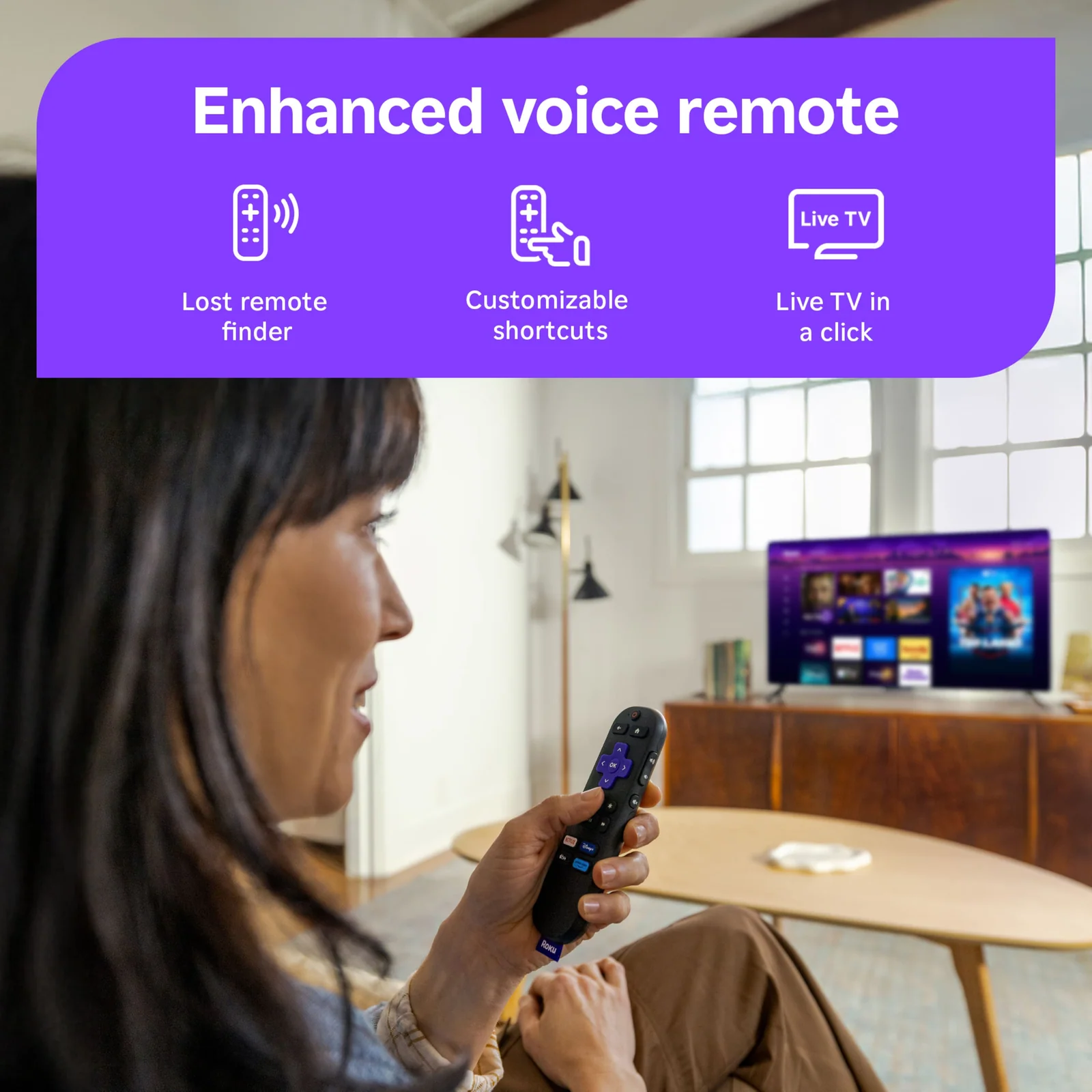
Auto speech clarity helps emphasize dialogue. Compatible wireless headphones offer a private listening option. The voice remote can search for supported entertainment. The built-in speakers handle everyday program sound without requiring a separate speaker system. A compatible soundbar or receiver can add a different speaker layout or more output. The result depends on the soundtrack, room and listening position. Listen to dialogue as well as music when choosing a sound setting, since a strong effect in an action scene may not be your preferred balance for conversation.
Cabinet and installation
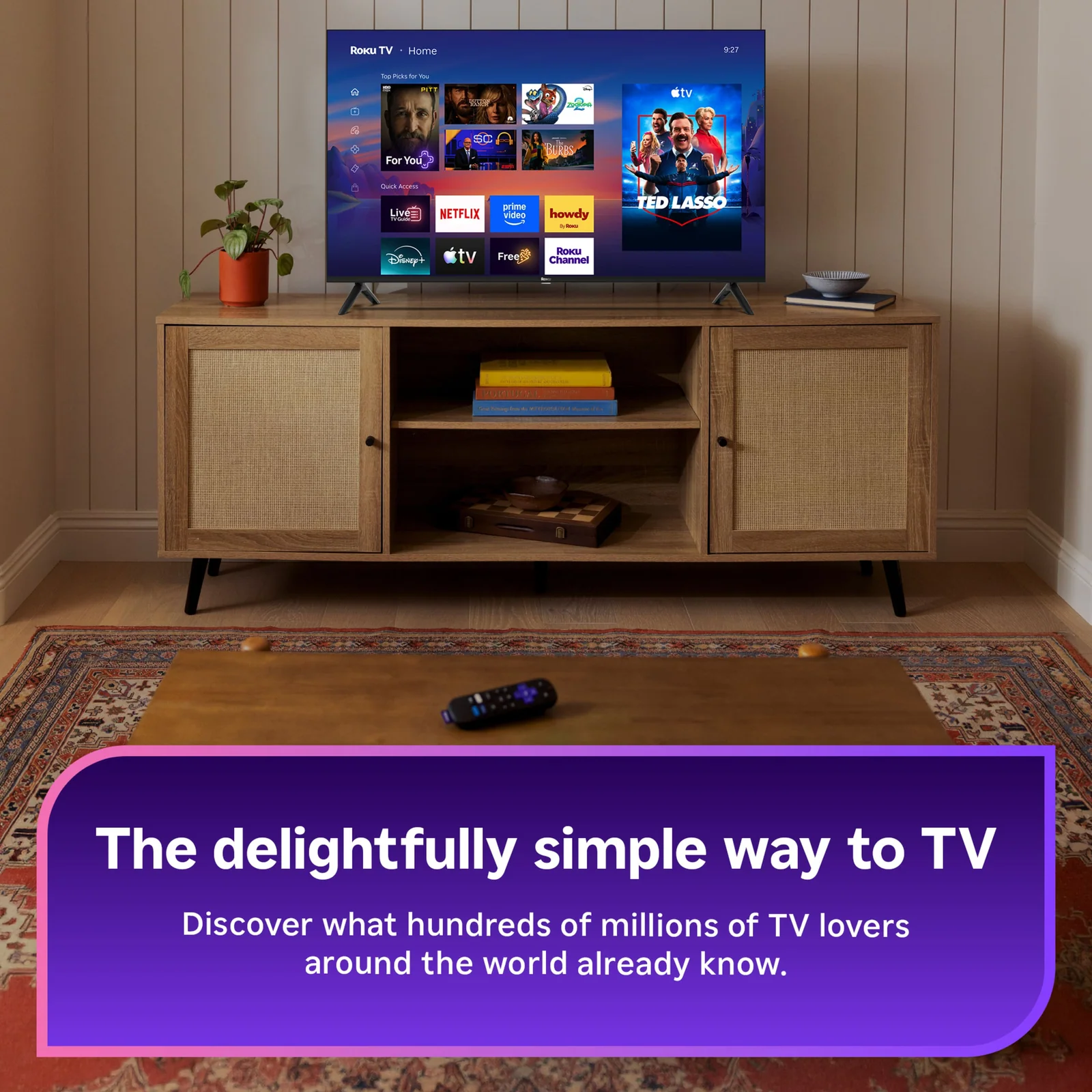
The listed cabinet width is 48.3 inches. Check the model-specific guide for the full stand and mounting clearances. The 55-inch class label describes the screen diagonal, not its width. Check cabinet dimensions, stand footprint and mounting requirements in the model-specific installation guide before choosing furniture or a bracket. Allow for ventilation, cable access and the added depth of mounting hardware. Follow the manufacturer’s instructions for lifting and securing the set, with support appropriate to its weight and the wall or surface being used.
Viewing position and daily use
Room lighting and viewing angle affect how the picture appears from different seats. Check the picture from the seats you use most often and consider bright windows when selecting the position. Keep the screen at a comfortable height for the main viewing area. After setup, save suitable picture and sound preferences for your usual sources, so changing from a film to a connected game or live program is straightforward.
Specifications
Additional information
| Weight | 12.973 kg |
|---|---|
| Color | Black |
Reviews (0)
Related products
-
Sale!

Samsung – 65” Class QN80F Series Neo QLED Mini LED 4K UHD SamsungVision AI Smart Tizen TV (2025)
Home Theater Original price was: £949.99.£859.99Current price is: £859.99. Add to cart -
Sale!

Samsung – 83” Class S90D Series OLED 4K UHD Smart Tizen TV (2024)
Home Theater Original price was: £2,629.99.£2,374.99Current price is: £2,374.99. Add to cart -
Sale!

Samsung – 85” Class Q8F Series QLED 4K UHD SamsungVision AI Smart Tizen TV (2025)
Home Theater Original price was: £1,349.99.£1,134.99Current price is: £1,134.99. Add to cart -
Sale!

Samsung – 75” Class Q7F Series QLED 4K UHD SamsungVision AI Smart Tizen TV (2025)
Home Theater Original price was: £549.99.£499.99Current price is: £499.99. Add to cart
Reviews
There are no reviews yet.